
Like , share , Comment and subscribe.
And don’t forget… To click bell icon……(for youtube channel)
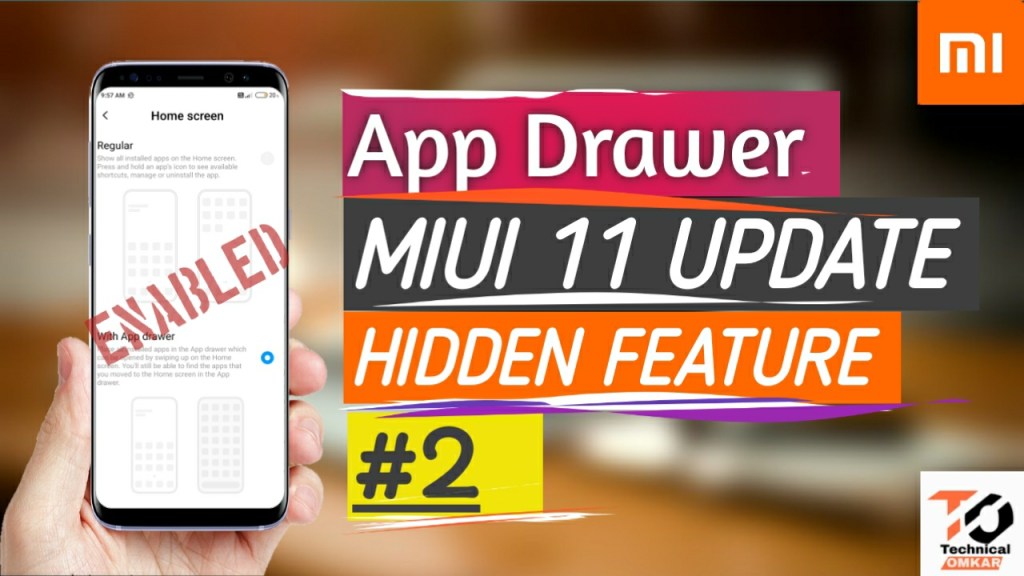
To enable app drawer:-
Step 1:- first you download the quick shortcut Maker.by given the link.
Step 2:- There are two ways to download the quick shortcut maker given below.
Step 3:- first method is open google play store.And search Quick Shortcut maker.&Install it.
Step 4:- 2nd method is after more steps. There are app link is given.By clicking “Download” App will be directly downloading started.
Step 5:- After Completing installation of this App. Launch(open) this App.
Step 6:- click on Input keyword to filter tab (search bar).
Step 7:- Search the “System Launcher”
Step 8 :-
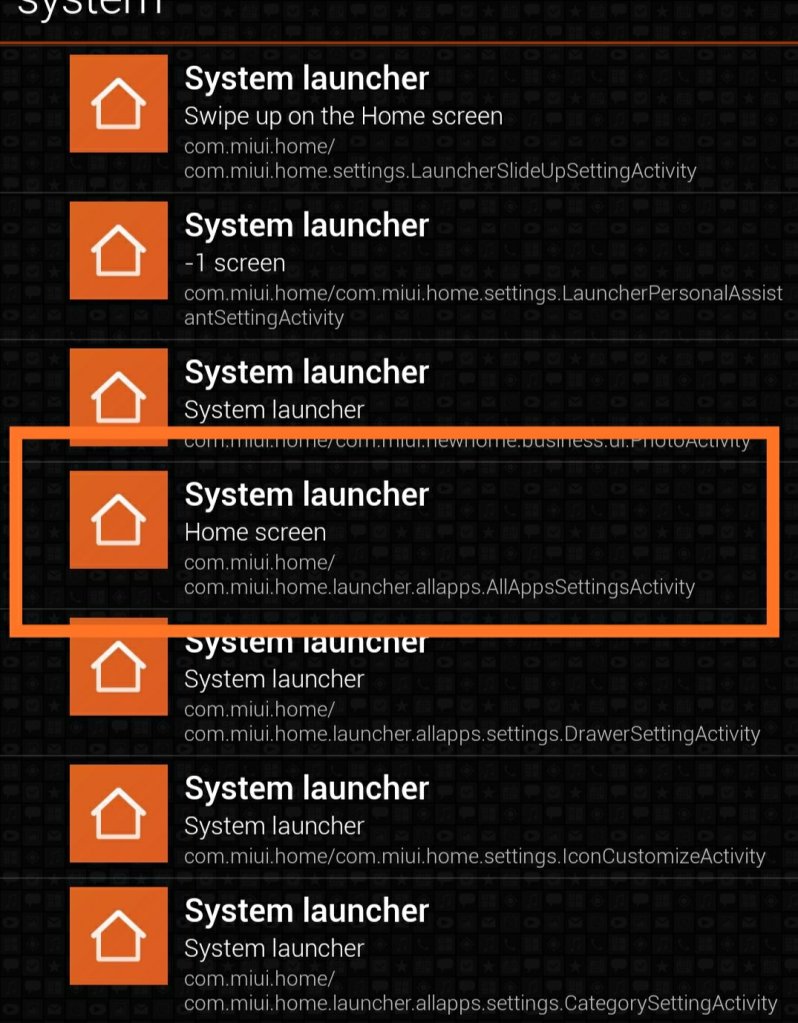
Step 9 :- Click on ↗️ Try it
Step 10:-
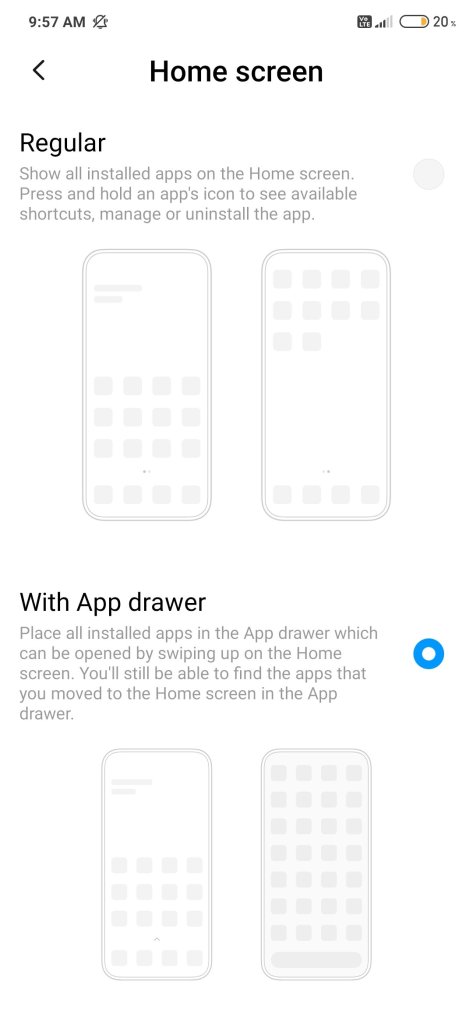
Step 11 :- App drawer was Enabled.
App link:-
Follow us on Facebook Page:-
.
.
.
Follow me on instagram :-
. . .


 Technical Omkar