
Like , share , Comment and subscribe.
And don’t forget… To click bell icon……(for youtube channel)
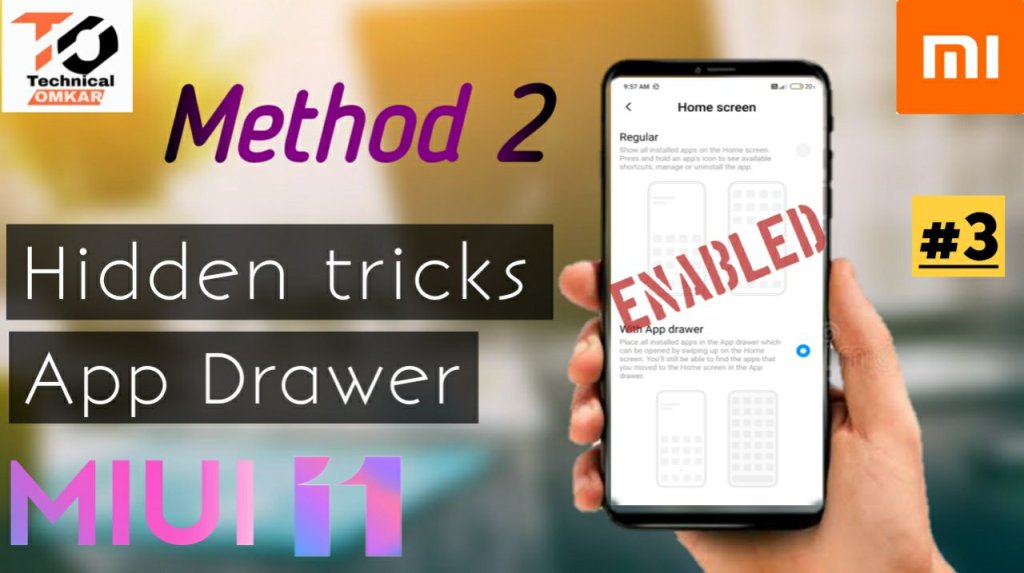
To enable app drawer:-
Follow the procedure given below:
Step 1:- Update the system launcher.
Step 2:- There are two ways to update syatem launcher.
Step 3:- 1st by Clicking given option(System Launcher) below.(scroll down⬇️)
Step 4 :- 2nd is system launcher link is given in description of video. To watch video you have to click “click here to go video”(scroll up).
Step 5 :- Download the apk. Complete the installation.
Step 6 :- After installation of apk Open the Setting.And Scroll down.
Step 7 :- Open the Home screen Setting
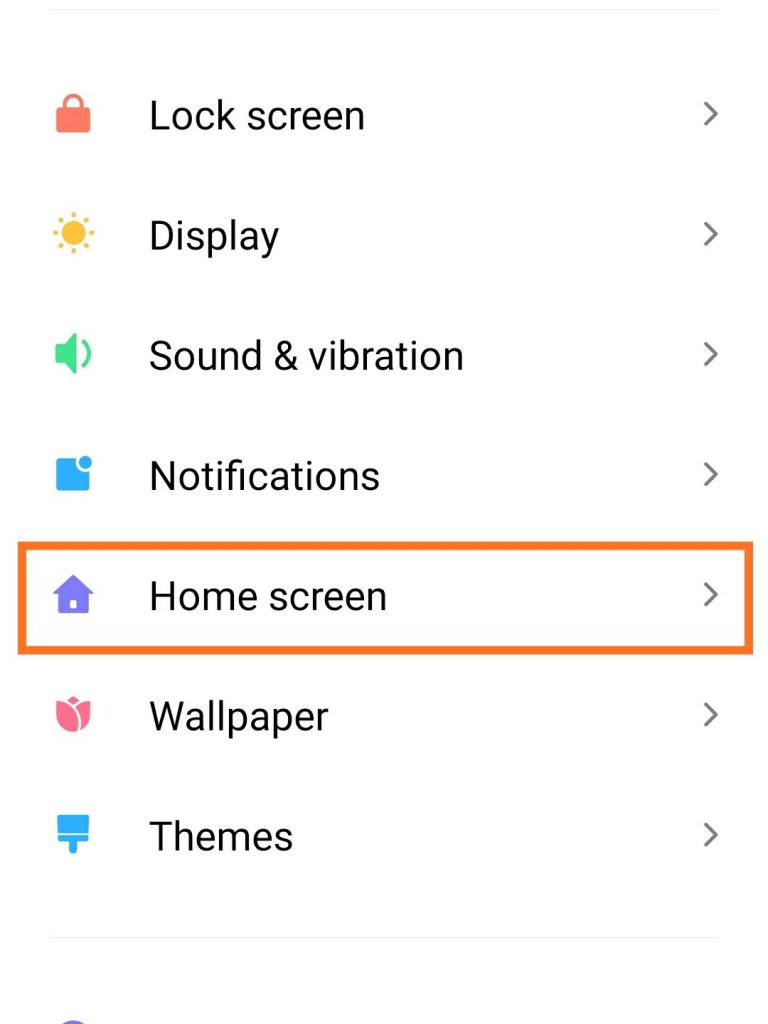
Step 8 :- click the home screen
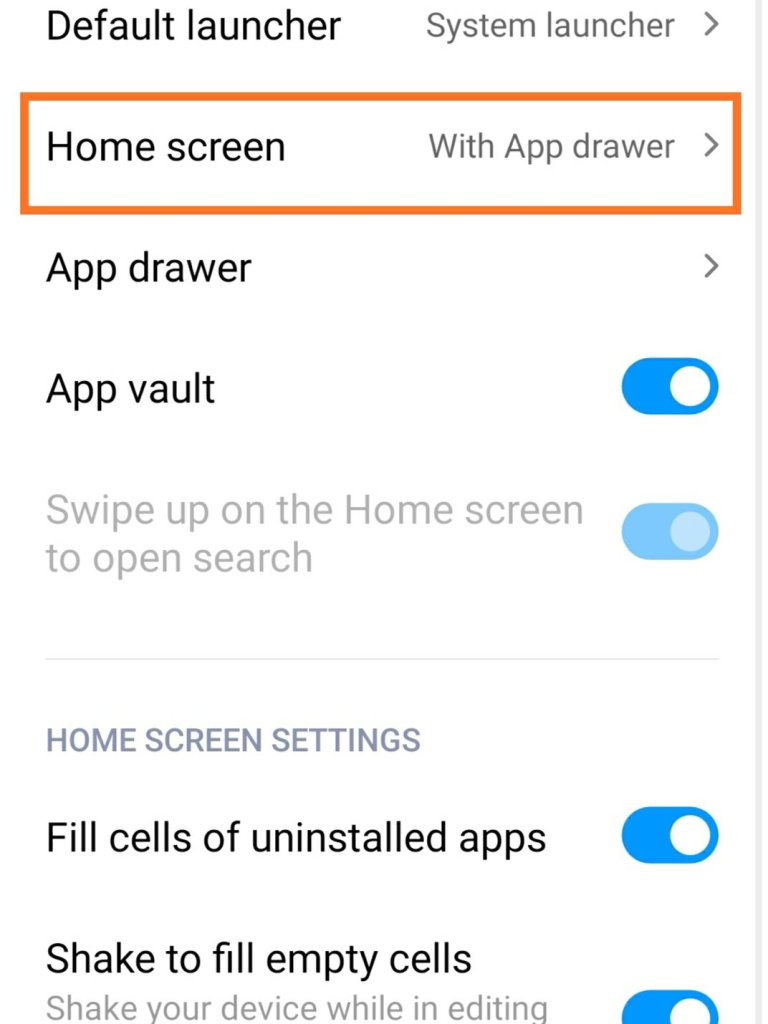
Step 9 :- Click on the With App drawer
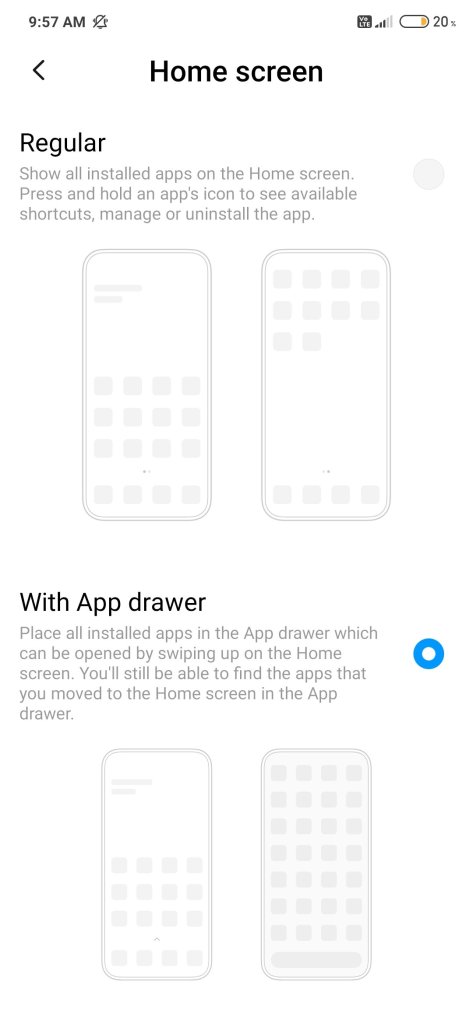
Step 10 :- App drawer Enabled.
System Launcher link:-
Follow me on Instagram:-
Follow us on Facebook:-


 Technical Omkar