

To Install Third Party Theme:-
Step 1:- Install the MIUI Theme Editor from Play store.Link given below.
Step2 :- Then Opening this app.Click On Browse.
Step 3 :- After clicking the New interface is Open which is File Manager.
Step 4 :- Find the file from the Download.(Depend upon which browser is using if u use chrome file will be save in Downloads.Otherwise u Using Default browser.Then you go your Default Browser’s Download folder.
Step 5:- Then Click on Start button.
Step 6 :- Click On Next. Then Click on Finish.
Step 7:- After theme will be saved.And It takes permission to install it.
Step 8 :- click Yes.
Step 9:- Theme was saved in theme center.
Step 10 :- Apply below.
MIUI 11 Supported Theme
Theme Details(google theme for MIUI 11)
- NAME: PixPie Dark
- DESIGNER: Krishankant.k3
- SIZE: 78.6 MB
PixPie Dark Theme for MIUI 11 the advanced version of the Light theme designed by the same designer (might not be available now). The designers want to express the darkness in the theme by using black color as the base color for backgrounds. The theme has some re-used designs like flat-icon pack by Galer Vodgals and some other contributors.
What’s New ( Changelogs)
- New Lock sCreen.
- Download UI.
- Cool Widgets.
- Flat Icons.
- New Recent Menu (MIUI 11)
- Notification Toggles looks great.
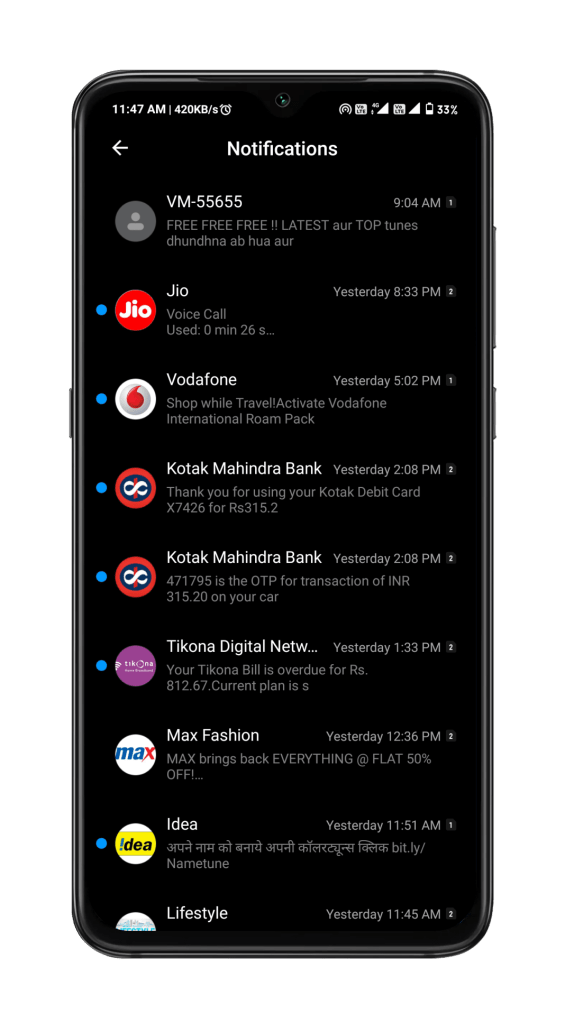
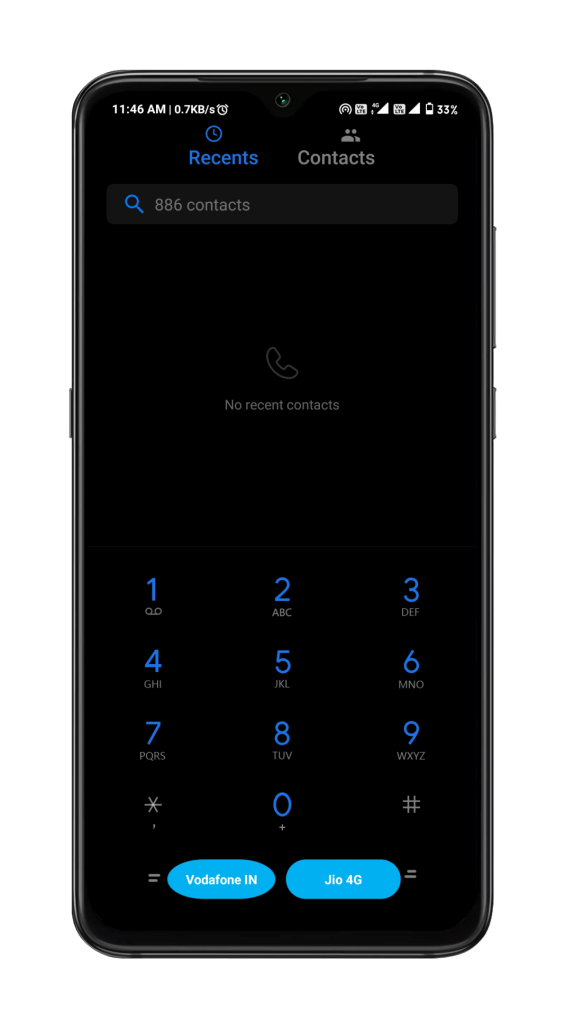
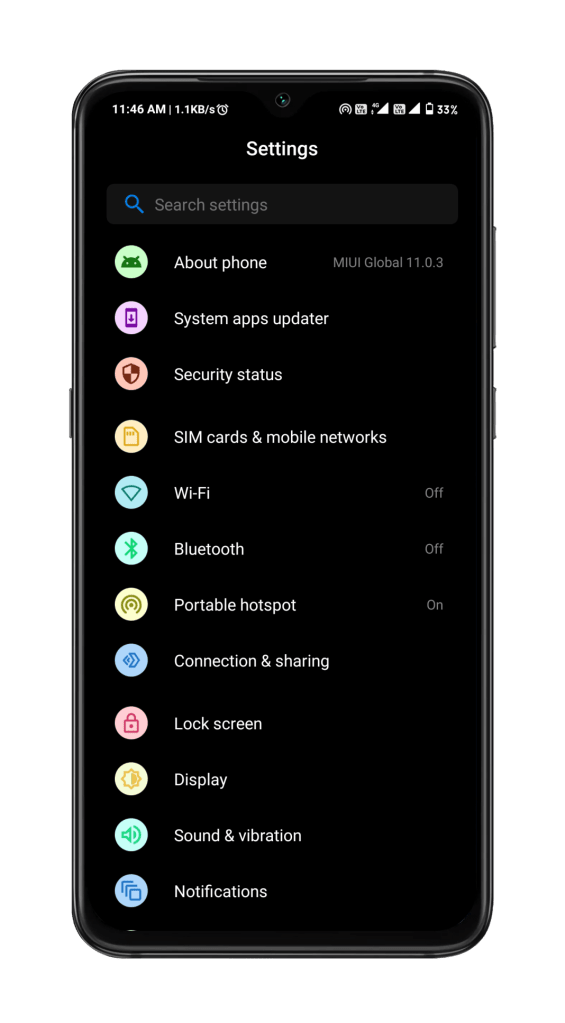
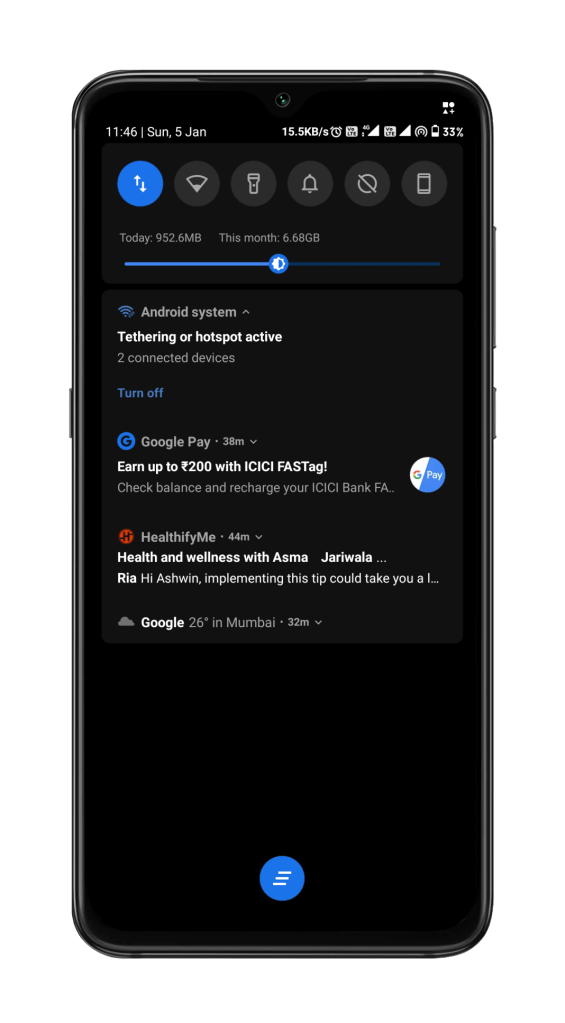
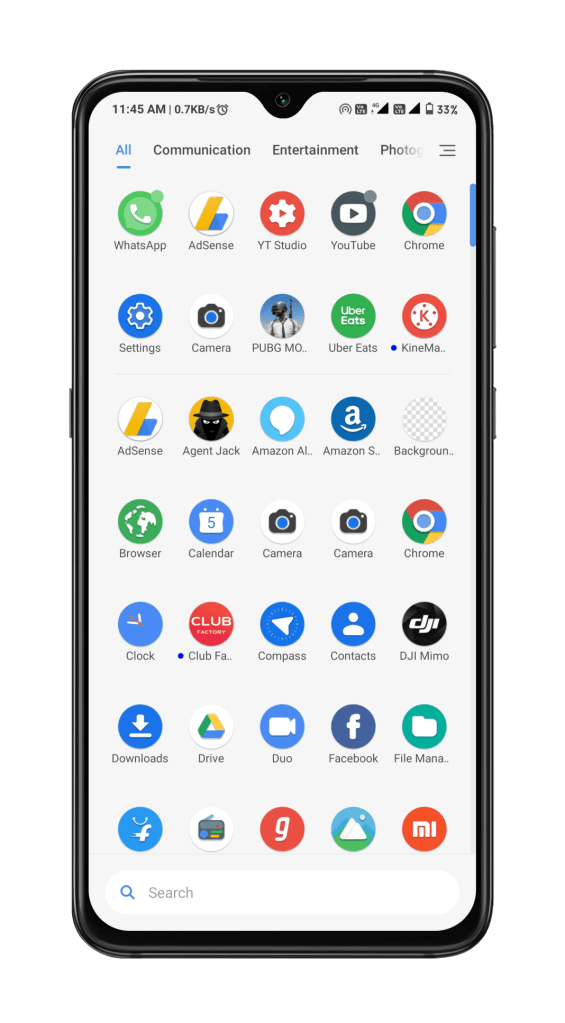
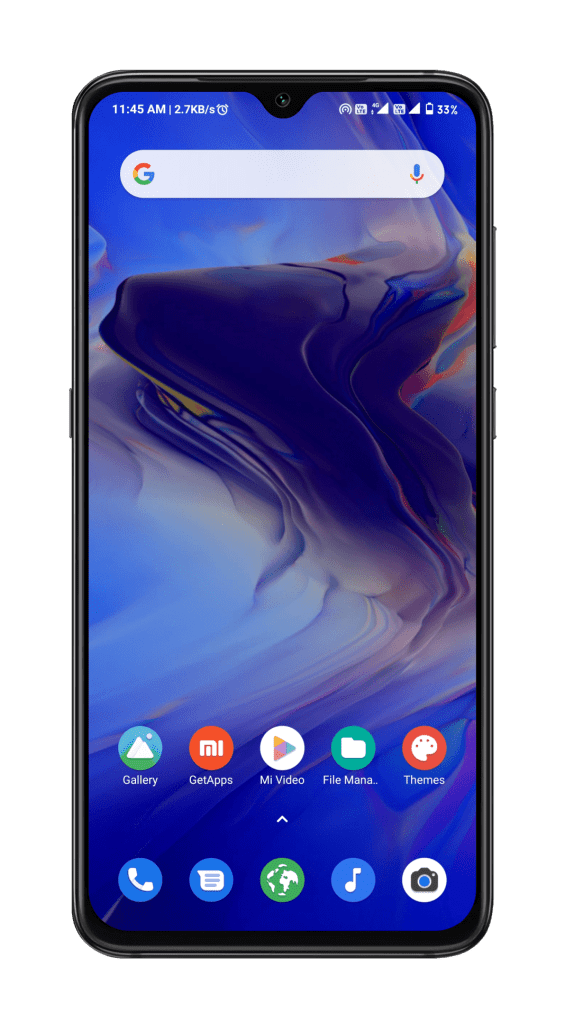
Pix Pie Dark
Download by Two ways:-


 Technical Omkar
Hi
LikeLiked by 1 person