
.Share this post quickly
.
.
.
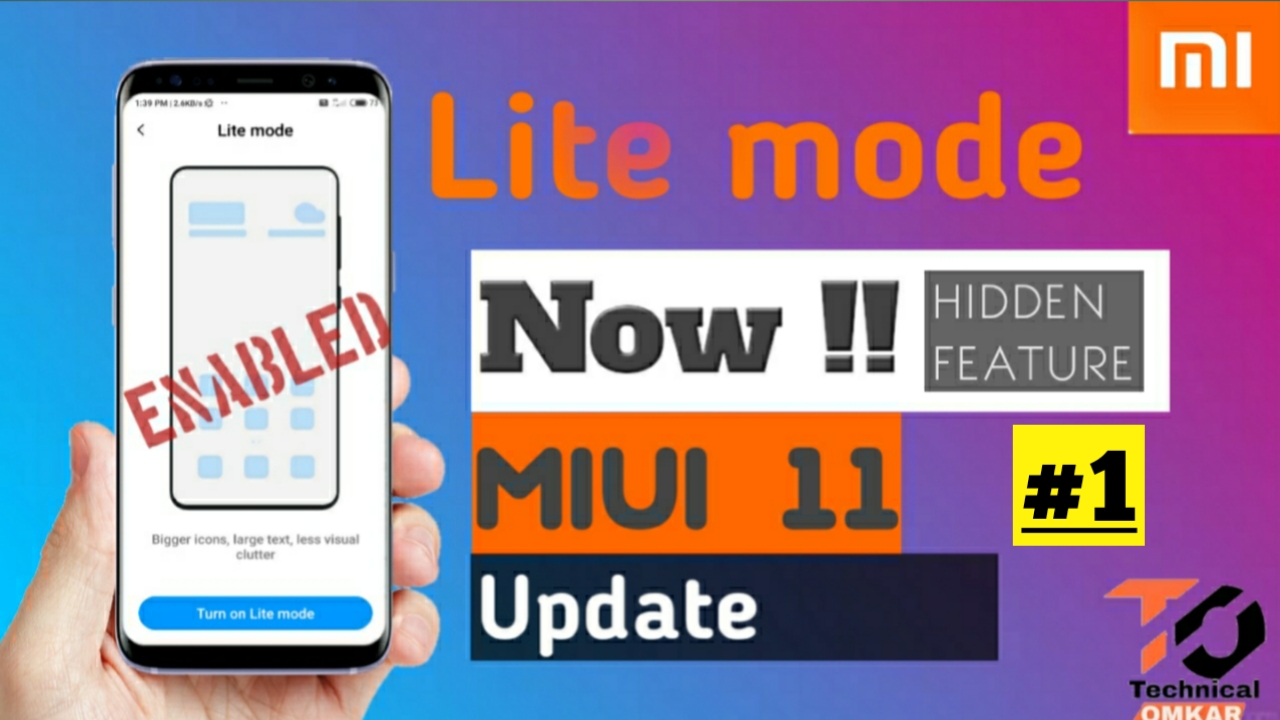
To enable lite mode:-
Step1:- Download the quick shortcut maker
Step2:- Two ways to download the app
Step3:- by search in play store
Step4:-by clicking the given link below
Step5:-download the app
Step 6:- click on Input keyword to filter tab (search bar )
Step 7:- search the setting
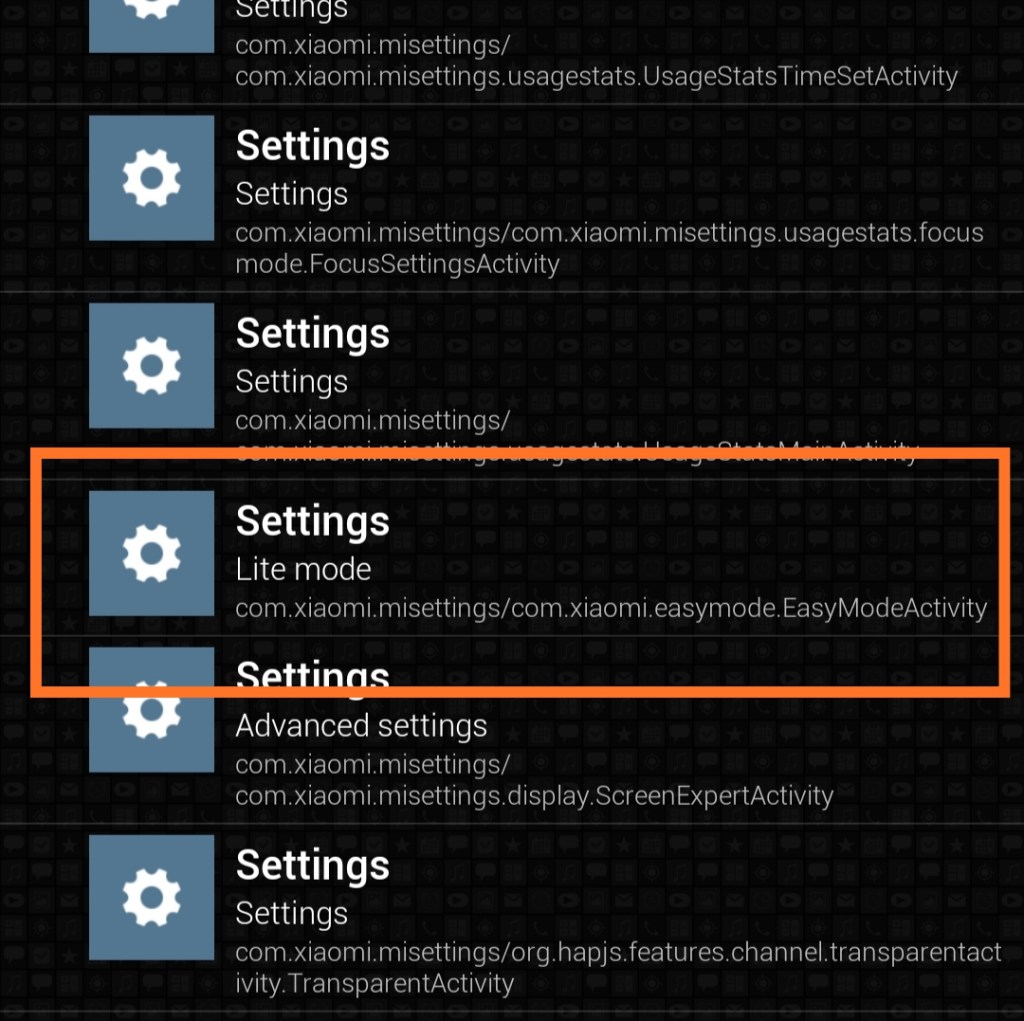
Step 8:- scroll and search the lite mode
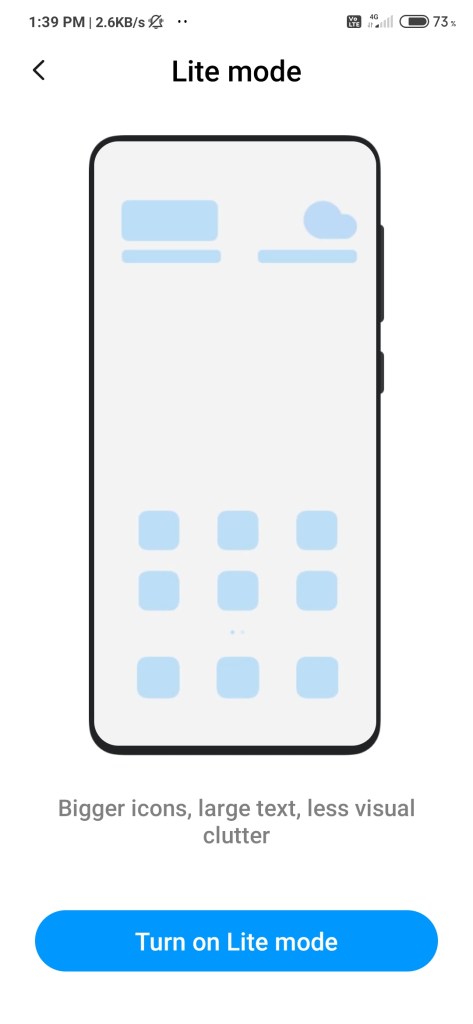
Step9 :- Turn on the lite mode
Download the app:-
Video topic covered
Redmi note 7 new update, Redmi note 7 Miui 11.2.0 update, Miui 11.2.0 for Redmi note 7 pro ultra power saving mode, Redmi note 7s new update, Redmi note 7s Miui 11.2.0, new features, Redmi note 7 Miui 11.2.0 new update, MIUI 11.2.0 Stable Update For Redmi note 8, Redmi note 4 new update, Redmi note 8 new MIUI 11 update, Redmi note 7 Pro New Update, Redmi note 5 news MIUI updates, Redmi y3 new MIUI 11 Update,technical Omkar, miui 11 lite mode, miui 11.2 update lite mode feature
Supported devices
Redmi K20
Redmi K20 Pro
Poco x2
Poco F1
Redmi Note 8 Pro
Redmi Note 8
Redmi Note 7 Pro
Redmi Note 7/S
Redmi Note 5 Pro
Redmi Note 5
Redmi 8
Redmi 8A
Redmi 7
Redmi 7A
Redmi 6 Pro
Redmi 6
Redmi 6A
Redmi Y3
Redmi Y2
Mi Max 2
Mi MIX 2
Redmi note 4
Redmi 4
Redmi 5A
Follow us on instagram:- https://www.instagram.com/andurkaromkar/


 Technical Omkar
Very informative
LikeLiked by 1 person